POGO GUIDE / HOW TO REDEEM
Pokemon GO Redeem Code: A Mobile Walkthrough
Five clear steps from an earned offer to the official redemption result. Original diagrams included.
[待核实] means “pending verification.” No unverified codes are published.
Have your own offer ready
Open the reward you earned in the event and copy its offer code exactly. Keep it private. A screenshot of another player’s reward is not a verified offer for your account. If you have not earned an offer yet, return to your event progress rather than trying random strings.
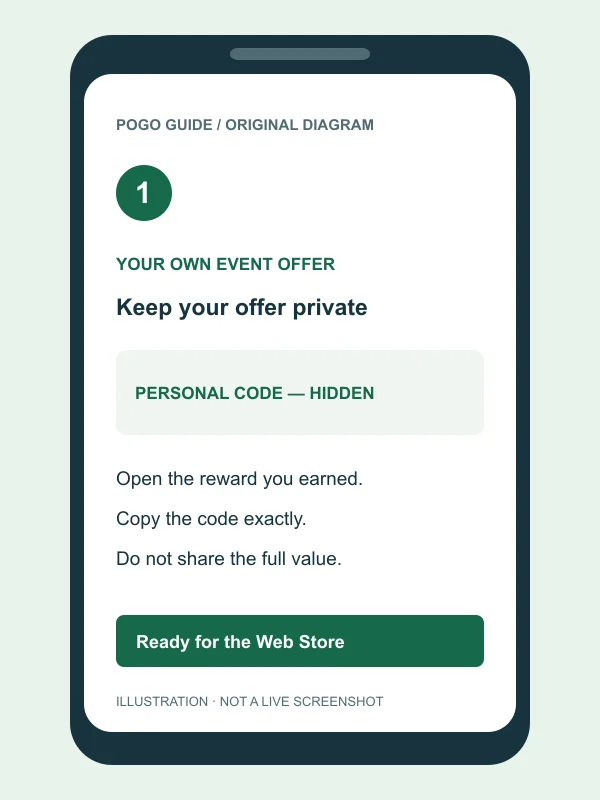
Open the official redemption page
In your phone’s browser, open store.pokemongo.com/offer-redemption. Check the domain before signing in. Follow the sign-in control on that official page. This fan guide has no redemption form and does not receive your account information or offer code.
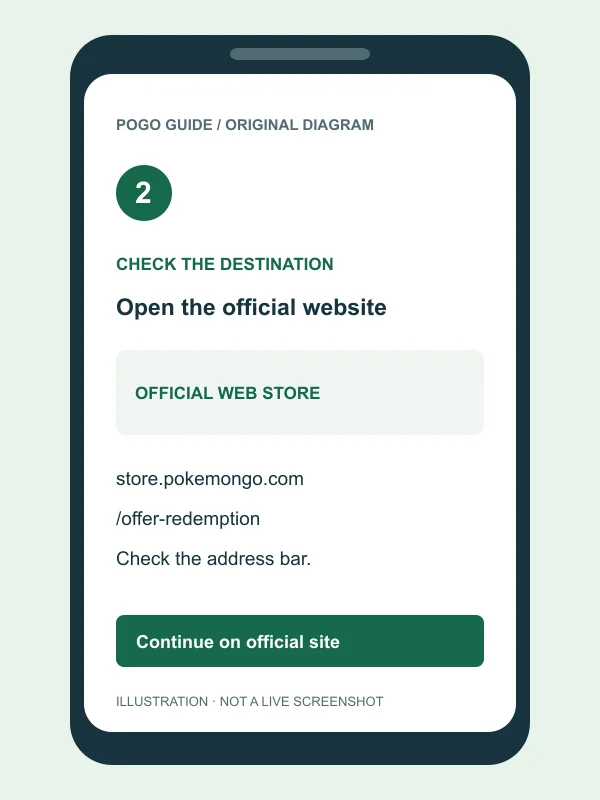
Sign in to the intended Trainer account
Use the credentials associated with the Pokémon GO account that should receive the offer. Check the signed-in profile before continuing, especially on a shared phone. If the account is wrong, sign out and choose the correct one. Resolve a missing sign-in option through official account support.
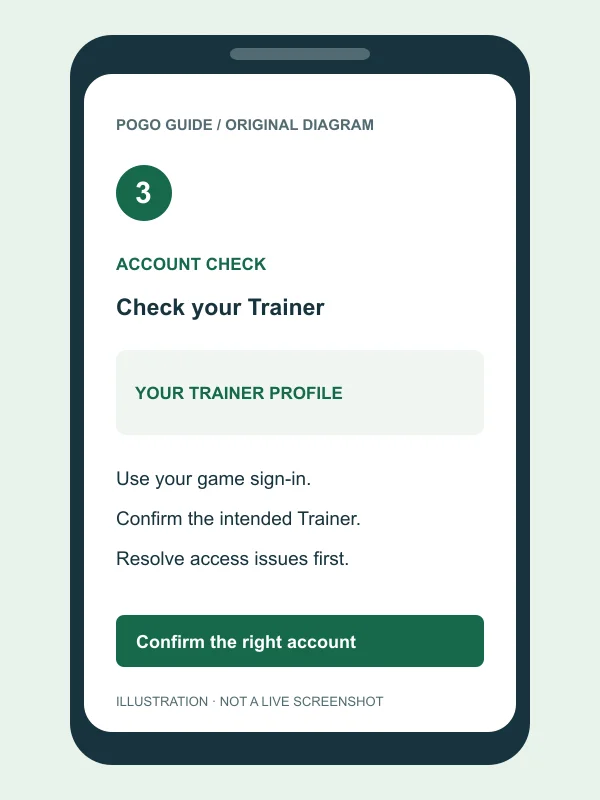
Enter the offer and submit it
Paste the code into the offer field on the official website. Remove accidental spaces or line breaks around it while preserving the actual characters. Use the page’s submission control once, then let the request finish. Never put a personal offer in a public comment to test it.
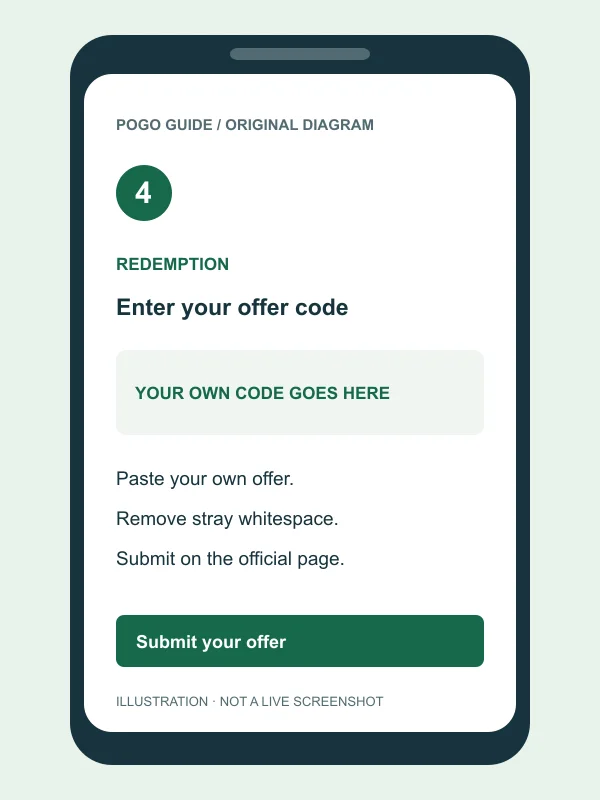
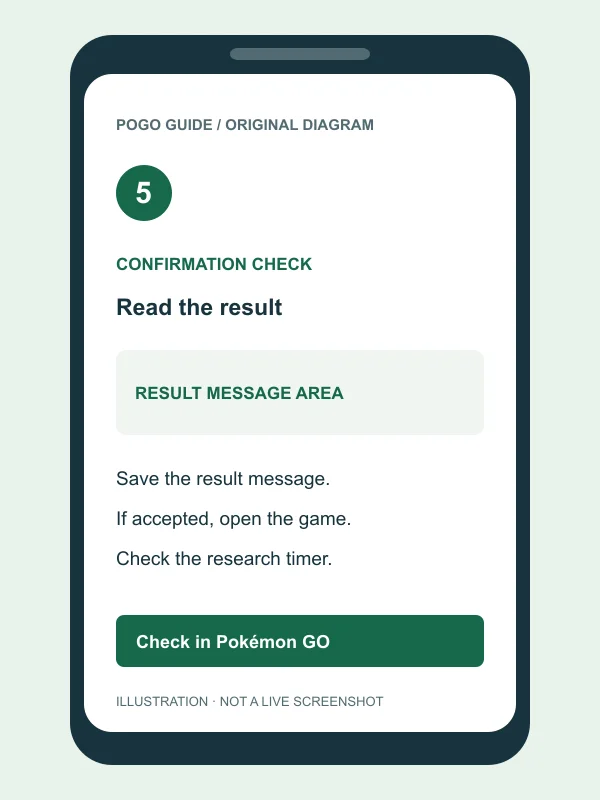
Read the result and check the game
Read the full confirmation or error message. After an accepted event offer, open Pokémon GO with the same account and check for the associated research. Note its timer before working through the tasks. If the result is an error, save the wording and use the troubleshooting guide.
Before you start on a phone
Keep the learning app, your browser, and the game as separate checkpoints. You can switch between them as you follow the steps above. Read each result before moving on, and avoid closing a page while a submission is still in progress. If the browser reloads during an app switch, check what it says about the signed-in account before entering the offer again.
The illustrations reserve a clear image for every step on mobile. They are original explanatory diagrams, not official game screens or copied app artwork. They intentionally hide all code values. Their controls are labels describing an action, rather than a promise that the current website uses identical text, colors, or placement. Use the live page’s own instructions when its presentation differs.
Check the destination before entering credentials
The redemption route begins at the official offer page. Type or open that address directly and inspect the browser’s address bar. If a link arrived in an unfamiliar message, you can close it and use the official destination instead. POGO GUIDE does not host a mirror of the login screen or a substitute redemption endpoint.
Official sign-in can involve a separate identity page linked by the service. Follow that route from the official starting page, and check the service’s current help if a destination is unfamiliar. Do not treat a padlock alone as proof that an unrelated site is the right one. A secure connection and the correct service are separate checks.
Choose an account before submitting the offer
When a browser has remembered a login, an account choice can happen before you notice it. Compare the active profile with the Trainer you want to use in the game. On shared devices, sign out of an unintended session before proceeding. This is especially useful when a family has several game accounts or several Google accounts on the same phone.
If your normal sign-in method is missing, consult the official account help rather than creating a new Trainer as a workaround. A newly created account would not establish access to your existing progress. Similarly, a direct link between Duolingo and Pokémon GO is not a requirement we can confirm from the checked announcement; that specific detail remains [待核实].
Enter text carefully and keep the result
Copy from the original reward when possible. Remove surrounding spaces and accidental line breaks, but do not guess replacements for characters you cannot read. Reopen the reward to compare them privately. If you are entering a value from an image, be particularly careful with letters and digits that look similar in the displayed font.
After submission, read the entire message instead of relying only on its color or a short heading. Record when you tried and which account was active. Keep a screenshot if it helps, but redact the offer and identifying information before sending it anywhere. Repeated taps while a request is pending can make it harder to distinguish the first response from later attempts.
After an accepted event offer
Open the game with the account used on the website and look for the associated research. Read its instructions, task language, and displayed timer. Access to a task list is different from receiving the rewards for completing it. If an announced encounter has not appeared, identify the task that grants it before deciding that redemption itself failed.
For this collaboration’s reward categories and outstanding details, see duolingo pokemon go rewards. For the offer’s publication status, see duolingo pokemon go codes. Those pages do not establish a specific reward quantity or private code expiry where the detail remains [待核实]. The research’s own timer remains important even after the website accepts an offer.
If the result is an error
Use pokemon go redeem code not working to match the visible symptom with a check you can perform. Preserve the original wording first. An invalid-text error, a previous-use message, and an unavailable sign-in option are different problems; treating all three as “the event ended” can send you toward the wrong solution.
If the page appears temporarily unresponsive, wait for the current request to finish before deciding whether to reload. Check the official service’s current notices if an outage is suspected. This guide does not display live server status or claim that a particular error is happening to every player. Account-specific investigations belong with the official support team.
Sources and illustration notes
Last checked: 2026-11-18. The sequence follows the official offer-code help guide and the Web Store redemption page. The event context comes from the official collaboration announcement. No real player account was used to produce these illustrations, and no live offer value is embedded in the images or page source.